LeiaPix
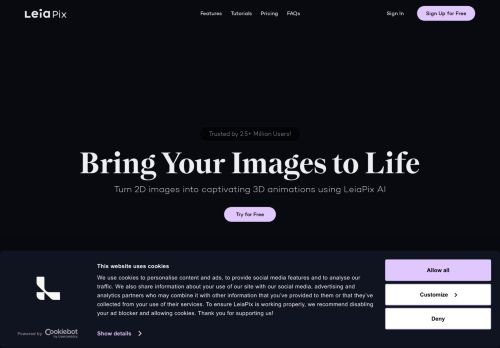
LeiaPix is an advanced AI tool designed to effectively generate high-quality videos using artificial intellig…
AI video enhancers use deep-learning models to sharpen, upscale, and restore footage automatically, turning blurry or low-resolution clips into clean, watchable video. From 480p archive footage to shaky smartphone recordings, these tools fix what manual editing can't reach in minutes. Our directory tracks 3 AI video enhancer tools in 2026, including LeiaPix, Pixop, and Deepfake Generator.
Whether you're a content creator restoring old family videos, a marketer polishing product clips, or a studio upscaling archives to 4K, the right enhancer saves hours of frame-by-frame work. Below we break down the best AI video enhancers of 2026, the features that matter, and how to pick the tool that fits your workflow and budget.
LeiaPix is an advanced AI tool designed to effectively generate high-quality videos using artificial intellig…
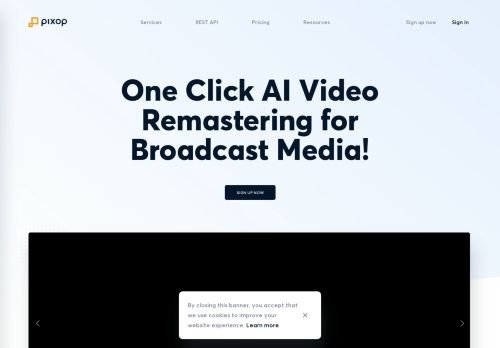
Pixop is an AI tool designed for generating high-quality videos through advanced algorithms and machine learn…
The Deepfake Generator is an advanced AI tool that utilizes machine learning algorithms to create highly real…
AI video enhancers analyze each frame and reconstruct missing detail using neural networks trained on millions of images. Instead of simply stretching pixels, they predict realistic texture, edges, and color, producing sharper results than traditional interpolation. Common capabilities include resolution upscaling (SD to HD, HD to 4K or 8K), denoising, deblurring, frame interpolation for smoother motion, and color or lighting correction.
Start with your source material. Restoring grainy archive video demands strong denoising and detail recovery, while game or screen capture mainly needs clean upscaling. Casual creators benefit from one-click cloud tools with pay-as-you-go pricing, whereas professional editors should prioritize codec support, color accuracy, and batch automation. Always test on a short clip first, since AI results vary by content type.
Pricing typically runs from credit-based cloud plans (a few dollars per minute of video) to monthly subscriptions for unlimited desktop processing. Beginners and occasional users do well with pay-per-export cloud tools, while agencies, post-production studios, and high-volume creators get better value from subscription or per-seat plans. Most platforms offer a free trial or watermarked preview so you can judge quality before committing.
An AI video enhancer is software that uses machine learning to upscale resolution, remove noise, sharpen detail, and smooth motion in video, producing clearer footage than traditional editing methods.
Noxilo currently lists 3 AI video enhancer tools in 2026, including LeiaPix, Pixop, and Deepfake Generator.
Yes. AI models reconstruct realistic detail rather than just stretching pixels, so SD or HD footage can be convincingly upscaled to 4K, though final quality depends on the source.
Not always. Cloud-based enhancers do the processing on remote servers, so any modern device works. Desktop apps with local processing benefit from a strong GPU.
Most offer a free trial or watermarked preview. Full use typically requires credits or a subscription, often priced per minute of processed video or monthly.