Logo Theme AI
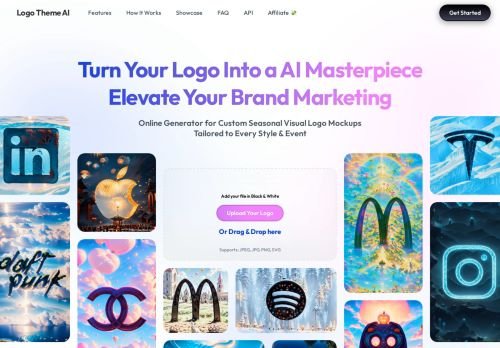
Logo Theme AI restyles an existing logo for events and seasons, instead of designing a new brand mark from scratch.
Reviewed by the Noxilo team
Visit Logo Theme AI ↗What is Logo Theme AI?
What it does, and what it does not
The old listing described Logo Theme AI as a generator of unique logo designs. The homepage says something narrower: it adapts and customizes logos for various themes, events and occasions. You bring a finished logo, and it gives you a themed variant, for example a seasonal version for a profile picture or banner. It is for brands, communities and streamers who already have a logo. If you need a first logo, a design tool or a designer is the better route.
The three-step flow
You upload your logo and choose the output format, such as an avatar or a banner. You then pick a theme from the predefined library or write your own custom theme. Finally the AI generates the transformed logo, you preview it and download it. The simplicity is the selling point: no design software, no layers.
Pricing and free access
The homepage lists no pricing and does not mention a free tier. The only call to action is a Get Started button that leads to the app. That means I cannot tell you what a themed logo costs or how many you can make for free, and I have left those fields empty. Check the app before uploading anything you care about.
Questions to settle before using it
Logo changes carry real brand risk. Check whether the output keeps your logo recognizable, since an AI restyle can bend letterforms or colours. Check the terms for who owns the generated variants and whether your uploaded logo is stored or used for training. If your logo is a registered trademark, keep the original as the primary mark and treat themed versions as temporary seasonal assets.
Who should skip it
Skip it if you want a new logo, vector files for print or a full brand kit. Use it if you change your avatar for events and holidays and want quick variants. Decision rule: try it with a low-stakes logo, compare the output against your original at small avatar size, and only roll it out to your main brand if the mark is still instantly recognizable.
Key features
- Upload an existing logo
- Choose output format such as avatar or banner
- Predefined theme library
- Custom theme option
- Preview before download
- Seasonal and event variants
Pros & cons
👍 Pros
- Very simple three-step flow
- Custom themes allowed
- Works from your own logo
👎 Cons
- No pricing shown on the homepage
- Not a logo creator for new brands
- Output rights and data handling not stated on the page
Use cases
- Holiday versions of a brand avatar
- Event banners built from an existing logo
- Community or stream branding for themed weeks
- Quick social profile refreshes
Frequently asked questions
Does Logo Theme AI create a new logo?
No. It adapts an existing logo to a theme, event or occasion.
What formats can I make?
The homepage mentions formats such as avatars and banners.
Can I create my own theme?
Yes, there is a custom theme option as well as predefined themes.
Is it free?
The homepage does not mention pricing or a free tier.
How we researched Logo Theme AI
We checked Logo Theme AI's own website, its pricing page and the sources below (October 28, 2026). Prices change often: the vendor's checkout is always the final word. Deals are re-checked as Black Friday gets closer.
More AI Art Generators deals
All →
AI Art Generators alternatives
Imagine with Meta AI
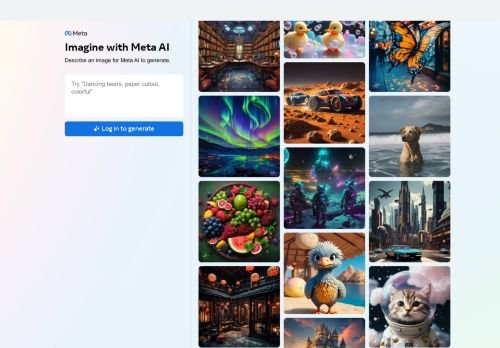
The AI Art Generation tool utilizes Meta AI to create stunning and unique artwork in the English language.
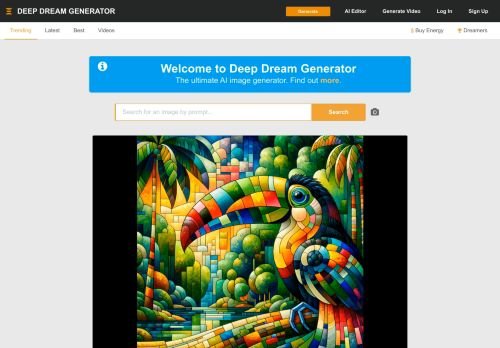
Deep Dream Generator
Community AI image site, active in 2026, now with video and music and 30+ models; energy-based free tier.
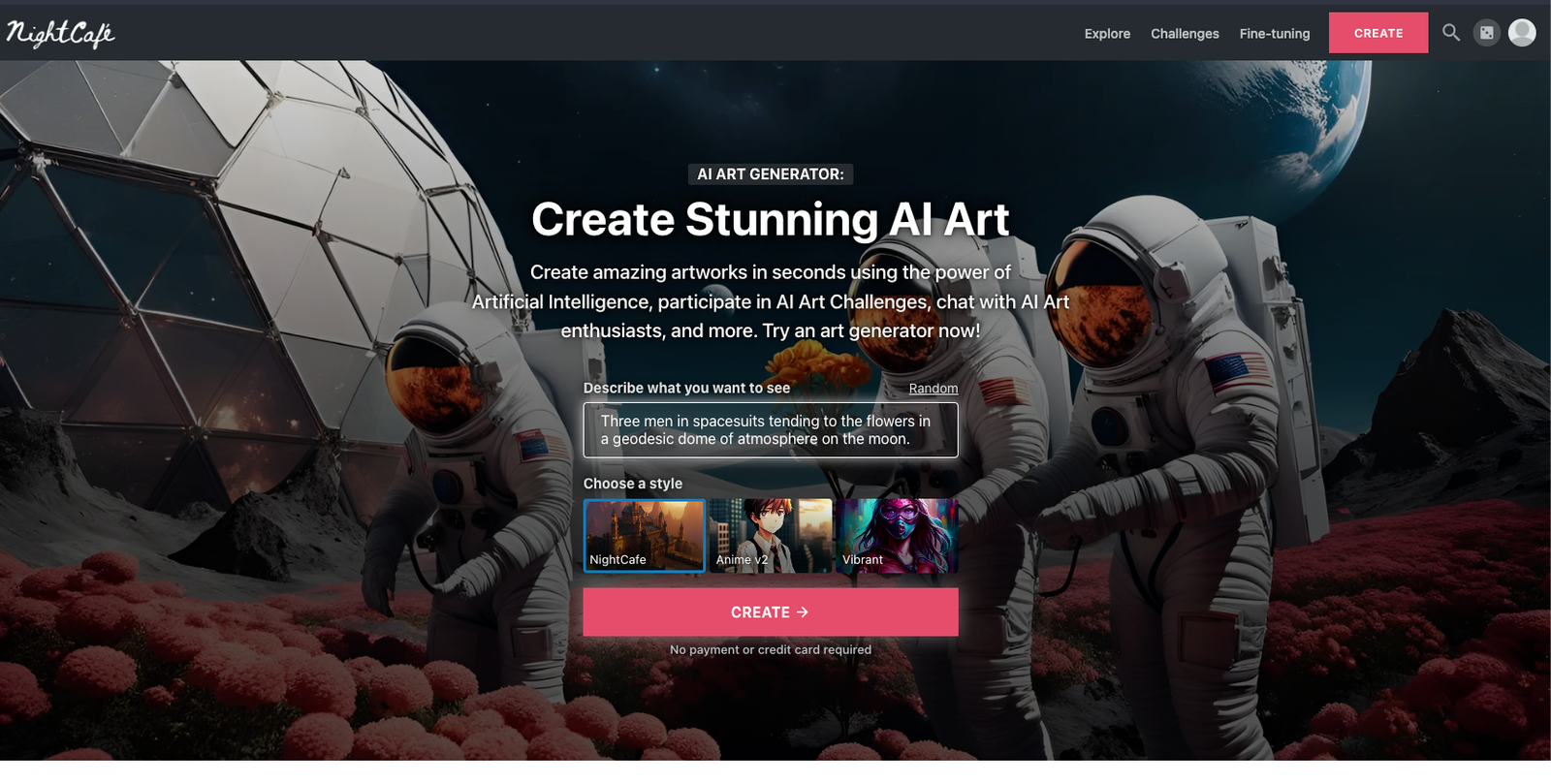
NightCafe Creator
Credit-based AI art site with 5 free credits a day and unlimited free base Stable Diffusion creations.
AIGraphics
AIGraphics is an AI-powered tool that enables content creators, marketers, and design enthusiasts to effortle…