
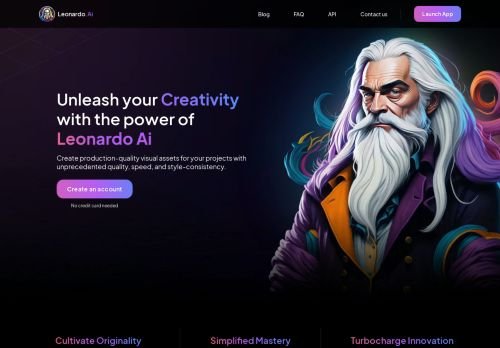
Leonardo.ai deal
Annual Apprentice: $120/yr instead of $144 paid monthly
-17% See deal
Design software ranges from template-based editors to professional vector and layout tools, with AI image generators now in the mix. Canva suits quick social and marketing graphics. Figma is the standard for interface design, and Adobe Creative Cloud covers professional print and photo work. Choose by output and by who else needs to edit your files. Free plans of most tools are enough to judge fit, so test with a real project before upgrading.
Annual Apprentice: $120/yr instead of $144 paid monthly
Black Friday sale expected; last year 50% off first year of CC Pro
Black Friday offer expected; last year 50% off first 3 months for new users
Cyber Sale expected; last year 25% off the first year of annual plans
Cyber week sale expected; last year 50% off annual plans
 -17%
Annual Apprentice: $120/yr instead of $144 paid monthly
Live now
 -50%
Black Friday offer expected; last year 50% off first 3 months for new users
Expected for Black Friday
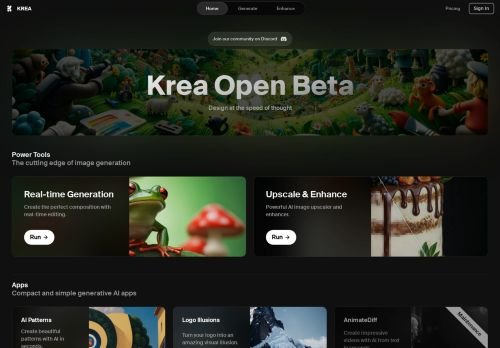
Krea AI is an innovative tool that utilizes advanced algorithms for generating high-quality, unique images ba…
Free Canva-owned design app combining vector, photo editing and layout, for individuals who want desktop soft…
Browser-based interface design tool for product teams that design and review apps and websites together.

Cyber week sale expected; last year 50% off annual plans
Expected for Cyber Monday

Black Friday sale expected; last year 50% off first year of CC Pro
Expected for Black Friday

Cyber Sale expected; last year 25% off the first year of annual plans
Expected for Black Friday
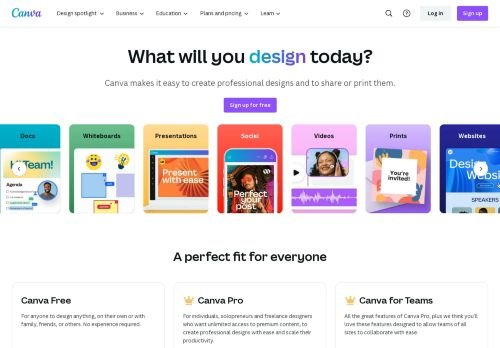
Marketing graphics and presentations fit Canva and Placeit, which offers mockups and templates. Interface and web design fit Figma. Print, photography and illustration fit Adobe Creative Cloud or Affinity. Leonardo.ai and Krea AI generate images from prompts. Envato Elements is a subscription for templates, fonts and assets rather than an editor.
Adobe is a subscription that renews yearly. Canva and Figma use per-seat plans with a free tier. Affinity moved to a free model after its acquisition by Canva, so check the current terms. AI tools use credits. Subscriptions for asset libraries pay off only if you download regularly.
Canva's free tier covers many basic jobs, but premium templates and brand kits are paid. Free AI image plans usually limit daily generations. Test whether free exports meet your resolution and format needs.
Cloud tools make sharing easy, while desktop tools produce files that others may not open. If clients need editable files, confirm that exports are compatible with what they use.
Check licences for templates, fonts and AI output. Some assets are cleared for commercial use only on paid plans.
Shared brand kits, comments and version history matter once two or more people edit the same files. Compare seat pricing, because per-seat costs grow quickly for agencies.
Fonts and stock assets can carry separate licences. Check that fonts you use in logos or products are cleared for commercial use, and whether plugins are available for your workflow.
If you make social graphics and slides, start with Canva. If you design interfaces, use Figma. If you work in print or photography and clients send Adobe files, Creative Cloud is the safe choice. If you need assets more than an editor, compare Envato Elements and Placeit against the cost of buying single items.
Paying for several overlapping subscriptions is the usual one. Another is ignoring font and asset licences until a client asks. Keep a list of what each plan includes and review it every year.
For marketing graphics, often. For print production or complex illustration, a dedicated tool is better.
For many users, yes, though plugin and file-format support differs.
Check the plan's terms. Rights vary by vendor and tier.
Usually not. Free tiers cover light needs.