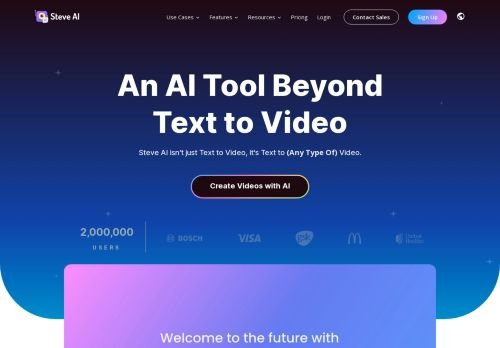
Steve AI
Prompt-to-video platform from the Animaker team: animated, generative and live-action clips with a limited free plan.
Reviewed by the Noxilo team
Visit Steve AI ↗What is Steve AI?
Steve AI is a video generator for marketers and small teams who need explainer clips, social animations or short promos without a video editor. It comes from the makers of Animaker. Filmmakers expecting cinematic control will find it template-driven.
What you can make
Input can be text, a prompt, a script, audio or an image. Output styles include animation, generative AI and live-action, with seven or more video styles listed, multi-voice AI narration, motion effects and a library of 300+ animated characters on paid plans. It can also turn a tweet, image or blog post into a short clip, translate videos into 10+ languages and publish directly to YouTube. The site mentions GDPR compliance, ISO 27001 and three patents; these are vendor claims.
Platforms: web app and an iOS app.
Is the free plan enough?
The free tier gives 5 voice-overs, 50 minutes per month each of AI avatars and AI speech, 10 AI image credits and 5 video generation credits. The pricing table lists no video resolution for free and no brand kit. That is enough to test the workflow, not to publish regularly.
Pricing and its inconsistencies
As of October 2026 the annual-billing prices shown are Basic $10 per month ($120 a year), Starter $30 ($360) and Pro $40 ($480), plus custom Enterprise. The same page shows other cards at Basic $20, Starter $60 and Pro $80 without a billing period, and the checkout showed Starter at $45 per month and $540 per year. The savings claim also varies between 25% and 30%. Confirm the final price at checkout before paying.
No trial or refund policy is stated, only that you can cancel anytime. Unused credits do not roll over.
Who should skip it
Skip it if you need exact brand control or high-resolution exports on a tight budget without checking the plan table first.
Decision rule: use the free plan to produce one real video. If the watermark-free export you need sits behind Starter, pay monthly for one month before committing to a year.
Key features
- Text, script, audio and image to video
- Animation, generative AI and live-action styles
- Multi-voice AI narration
- 300+ animated characters on paid plans
- Video translation in 10+ languages
- Direct YouTube publishing
- Web and iOS apps
Pros & cons
👍 Pros
- Free plan available
- Several video styles in one tool
- Annual plans from $10/month
👎 Cons
- Pricing page shows conflicting numbers
- No refund or trial policy stated
- Credits do not roll over
- Free plan lists no export resolution
Use cases
- Explainer videos for small businesses
- Social clips from blog posts or tweets
- Multilingual training videos
- YouTube channels run by one person
Steve AI pricing
As of October 2026, annual billing, per month, USD (the page shows conflicting figures elsewhere):
| Plan | Per month, yearly billing |
|---|---|
| Free | $0 |
| Basic | $10 ($120/year) |
| Starter | $30 ($360/year) |
| Pro | $40 ($480/year) |
Steve AI price history
Frequently asked questions
Is Steve AI free?
There is a free plan with 5 voice-overs, 50 minutes of AI avatars and speech per month, 10 image credits and 5 video credits.
Can I cancel Steve AI?
The site says yes, you can cancel your plan at any time. No refund policy is stated.
Who owns Steve AI?
The site describes it as from the makers of Animaker Inc.
Do unused credits roll over?
No, the FAQ says unused credits do not roll over.
How we researched Steve AI
We checked Steve AI's own website, its pricing page and the sources below (October 28, 2026). Prices change often: the vendor's checkout is always the final word. Deals are re-checked as Black Friday gets closer.
More AI Video Generators deals
All → -20%
DaVinci Resolve
20% off DaVinci Resolve Studio: $236 instead of $295
Live now · ends Nov 20
 DEAL
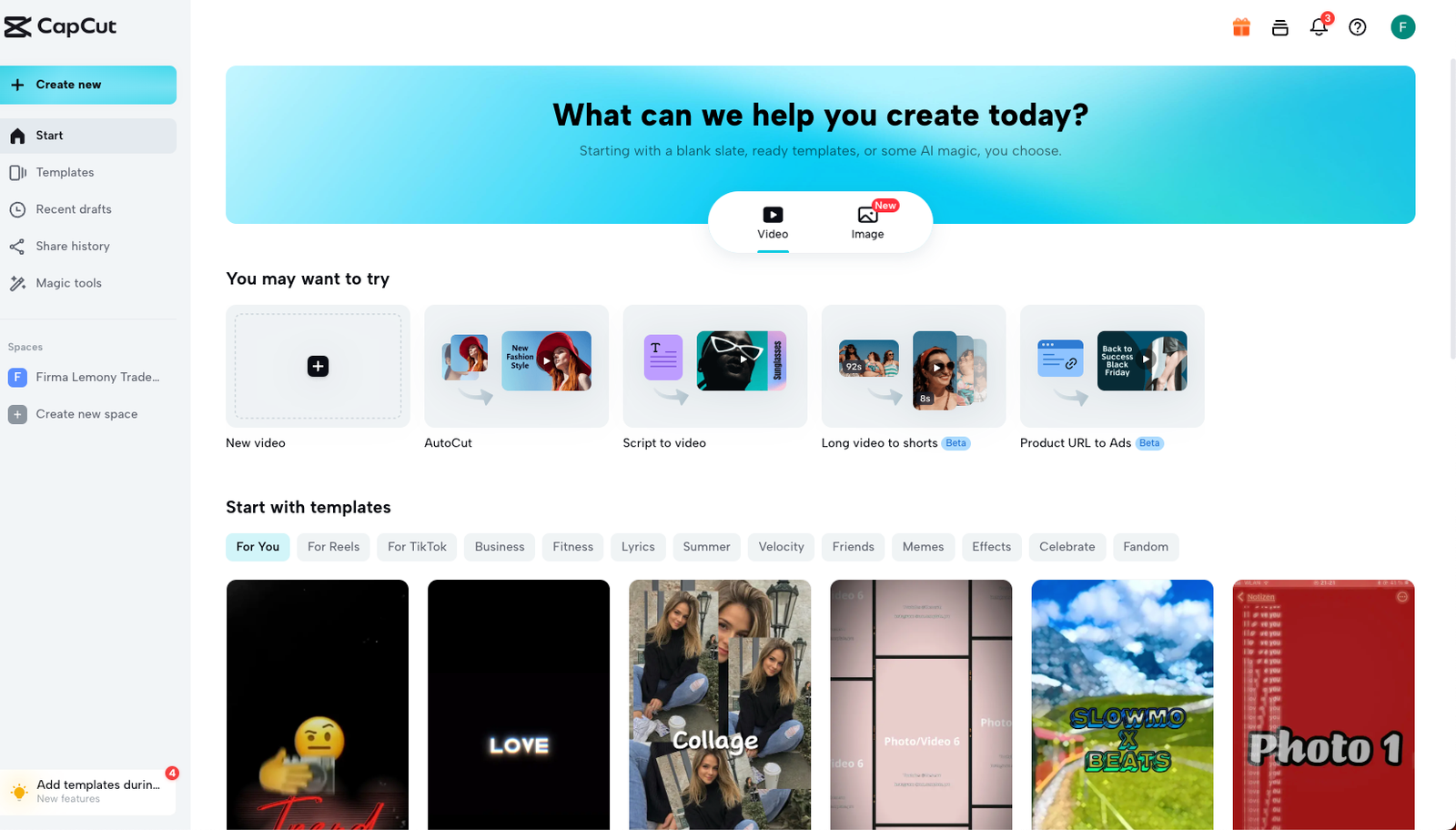
CapCut
Black Friday: CapCut Pro first month for $3.99 or less (PC, monthly plan)
Live now
 -50%
Pictory
Black Friday: 50% off Professional annual, $29.50/month instead of $59
Live now
 -25%
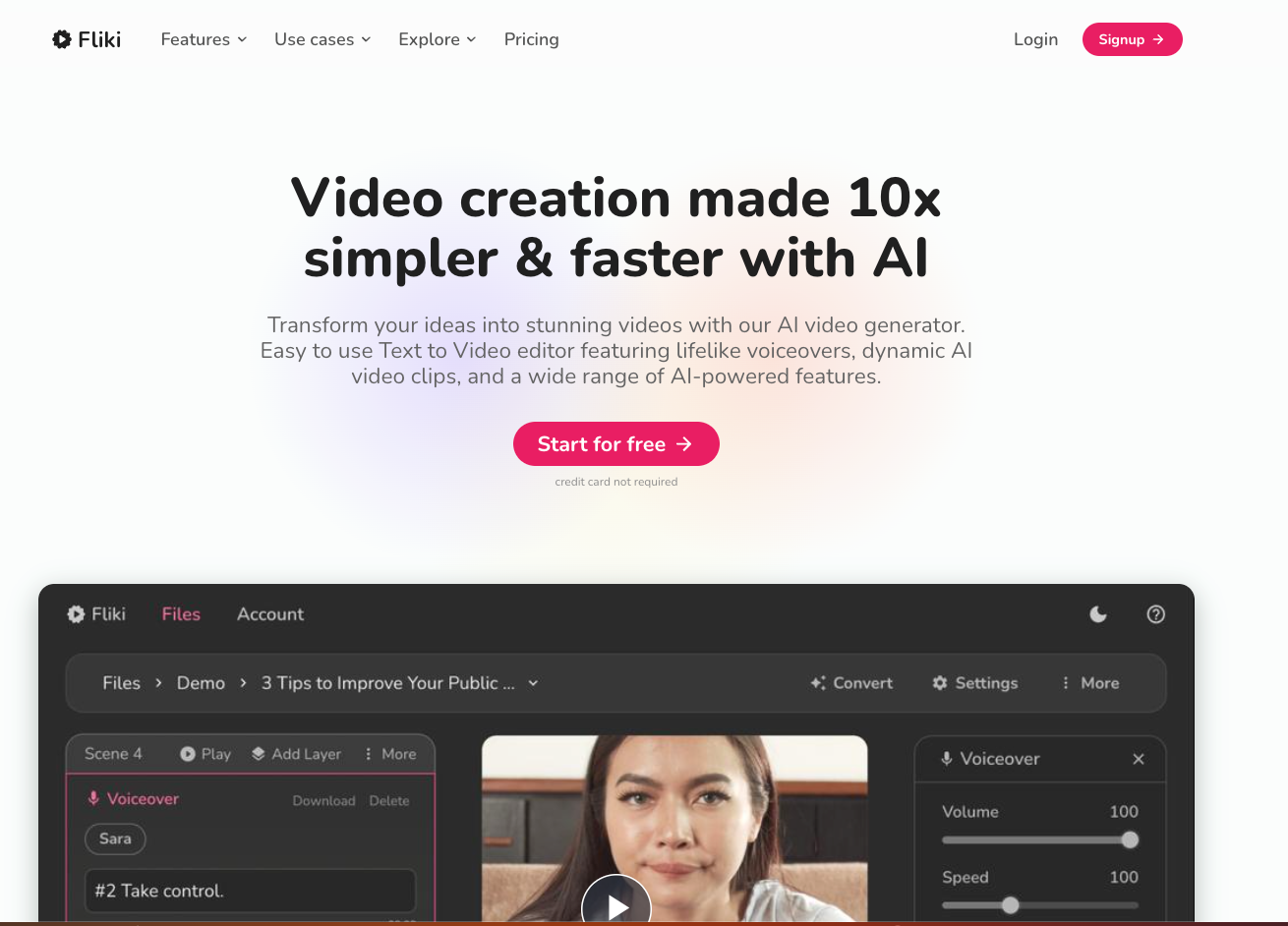
Fliki
25% off with yearly billing instead of monthly
Live now

Runway
Save 20% with annual billing; Standard $12/month
Live now
 -50%
InVideo
Plus at 30 EUR per seat/month billed annually instead of 60 EUR
Live now
AI Video Generators alternatives
Muse.ai
Review Muse.ai is an AI-powered tool specializing in video generation, video editing, and visual storytelling…
-50% InVideo
Plus at 30 EUR per seat/month billed annually instead of 60 EUR
Live now
-50% Pictory
Black Friday: 50% off Professional annual, $29.50/month instead of $59
Live now
Colossyan
AI avatar video for training and corporate comms, with a free Starter plan and Professional at $59 a month bi…
Moonvalley
A video research lab behind Marey, an image- and text-to-video model trained on licensed data and aimed at pr…