
TokkingHeads
TokkingHeads is a cutting-edge AI tool that facilitates the creation of realistic and dynamic video content by animating still images.
Video Editing AI tools are software applications that utilize artificial intelligence to automate and enhance the process of editing and manipulating video content.
TokkingHeads is a cutting-edge AI tool that facilitates the creation of realistic and dynamic video content by animating still images.
Sora is an advanced AI tool designed for generating high-quality, realistic videos with ease and precision.
Lalamu is an advanced AI tool designed for generating high-quality, customizable video content with ease and precision.
Deepshot.ai is a sophisticated AI tool designed for generating high-quality, realistic videos using advanced machine learning techniques.

Vidyo is an advanced AI tool that enables the generation of high-quality videos through machine learning and artificial intelligence technologies.
DaVinci Resolve is a powerful AI tool that revolutionizes video production with its advanced capabilities in generating high-quality, professional-grade videos.
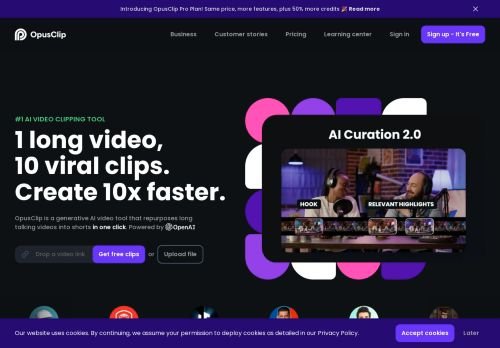
Opus Clip is an AI-powered tool designed for generating high-quality, customizable videos with an emphasis on user-friendly interface and efficient production.
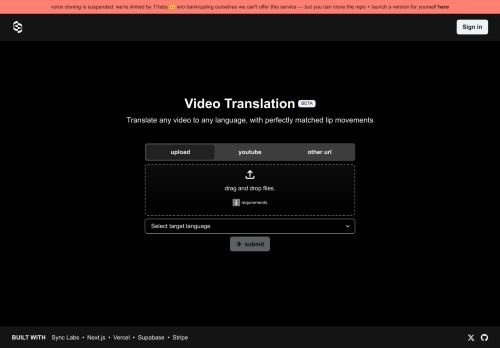
Synclabs.so is an innovative AI tool that leverages advanced algorithms to generate high-quality, customizable videos with ease and efficiency.
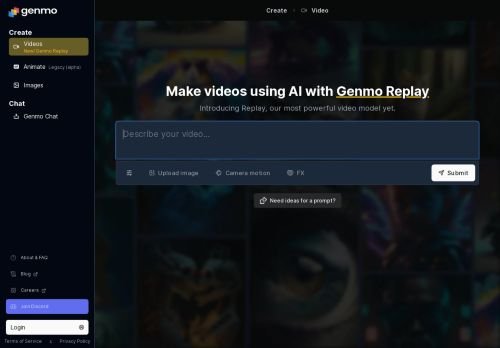
Genmo is an advanced AI tool designed to generate high-quality videos using artificial intelligence algorithms.

Pixop is an AI tool designed for generating high-quality videos through advanced algorithms and machine learning techniques.
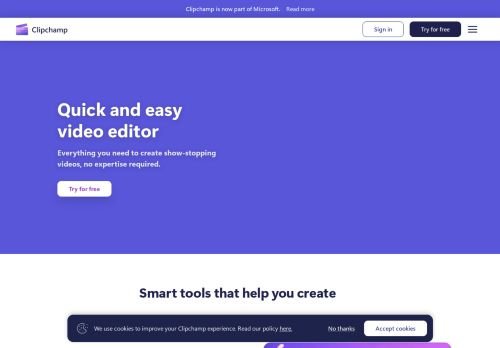
Clipchamp is an AI-powered tool that facilitates the creation and editing of professional-grade videos with ease and efficiency.
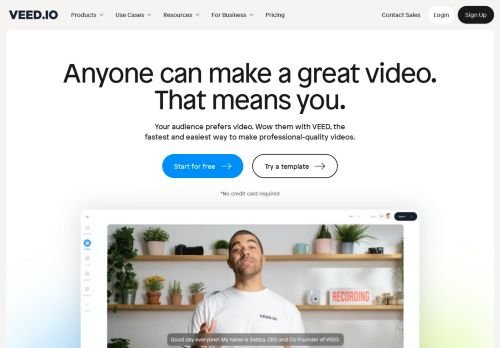
Veed is an AI-powered tool designed to generate high-quality videos with features like automatic subtitling, editing, and transcription services.
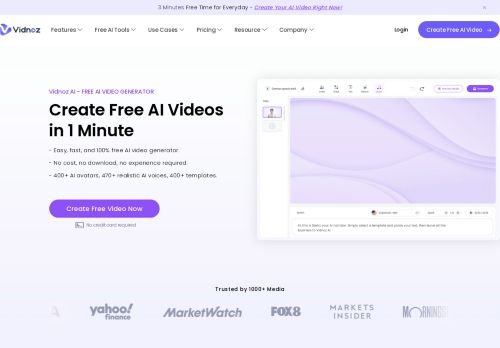
Vidnoz is an advanced AI tool that leverages machine learning algorithms to generate high-quality, customizable videos efficiently and effectively.
PixVerse is an advanced AI tool that leverages artificial intelligence to generate high-quality, realistic videos with ease and precision.
Plaiday is an innovative AI tool designed to generate high-quality videos using advanced machine learning algorithms.
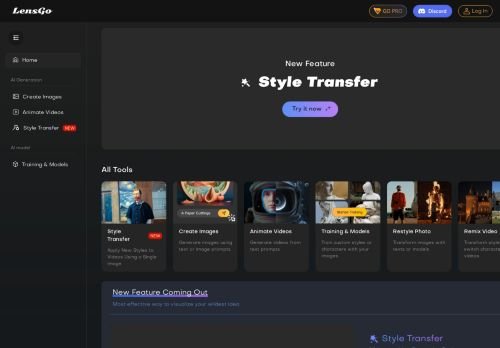
LensGo is an innovative AI tool designed to generate high-quality videos with advanced customization options and user-friendly interface.

Domoai is an advanced AI tool that leverages machine learning algorithms to generate high-quality, customizable videos.
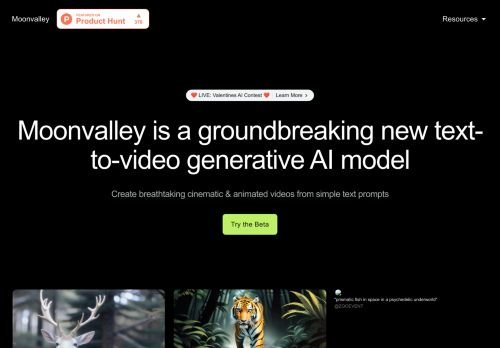
Moonvalley is an advanced AI tool designed to generate high-quality, realistic videos with ease and precision.
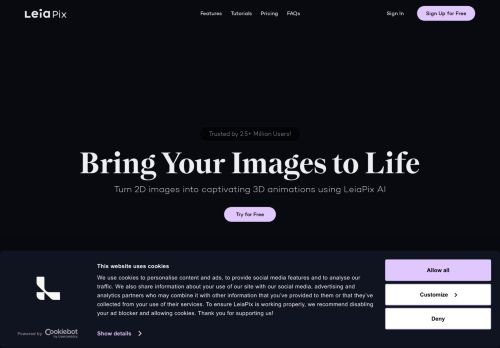
LeiaPix is an advanced AI tool designed to effectively generate high-quality videos using artificial intelligence technologies.

Capcut is a dynamic AI tool that leverages advanced algorithms to generate high-quality videos with unique editing features and effects.
Pika ART is an innovative AI tool designed to generate high-quality, creative video content using advanced artificial intelligence algorithms.
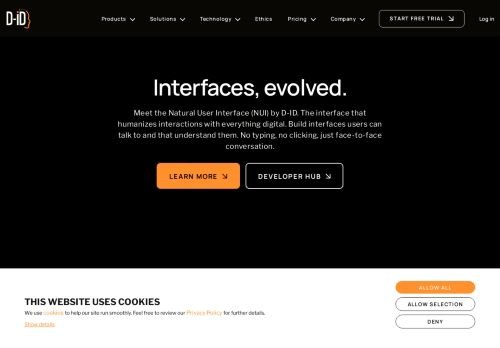
D-ID is an advanced AI tool designed for generating high-quality, hyper-realistic videos through deep learning technology.

Synthesia is an AI-powered tool that facilitates the creation of realistic and customizable video content without the need for filming.
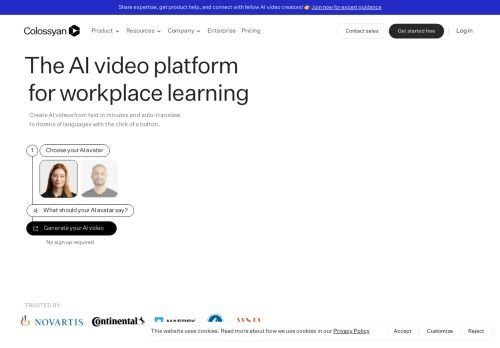
Colossyan is an advanced AI tool designed for generating high-quality, realistic videos through automated processes.
Runway is an AI tool designed to facilitate the generation of videos, leveraging advanced machine learning algorithms to create high-quality visual content.