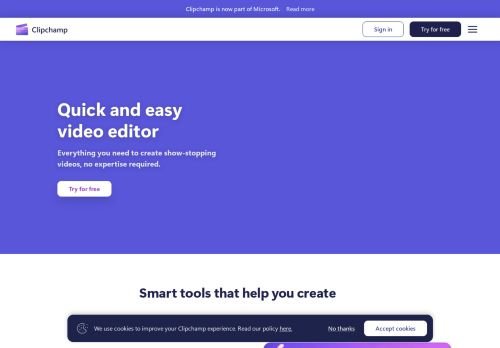
Clipchamp
Microsoft's browser video editor: free 1080p exports with no watermark, 4K and premium assets with Microsoft 365.
Reviewed by the Noxilo team
Visit Clipchamp ↗What is Clipchamp?
Clipchamp is a free browser video editor that suits anyone making social clips, tutorials or slideshows without wanting to install software. Anyone needing multi-camera editing or heavy color work should use a desktop editor.
What the free plan really allows
Quite a lot. Free exports go up to 1080p with no watermark, and there is no cap on how many videos you can create or export. Basic tools (trim, crop, rotate, resize) are included, along with AI features such as subtitles, voiceovers and silence removal. You do need to sign in with a personal Microsoft account, but nothing is downloaded.
What Premium adds
Premium comes through Microsoft 365 Personal or Family, not as a standalone Clipchamp price on the page. It adds exports up to 4K UHD, premium stock assets, premium filters and effects, and the brand kit tool for logos, colors and fonts. The page shows no amounts, billing cycle or currency, so check the Microsoft 365 plan page for the current price.
Work and school
A standard version is bundled with some Microsoft 365 business and education licenses. Full premium features and AI video creation for work accounts require a Copilot license.
Who should skip it
Teams who want templates tuned for a particular niche, or editors who need advanced timelines. The free tier is generous, so the real question is whether you need 4K.
Decision rule
Start free. Upgrade through Microsoft 365 only if you already pay for it or need 4K export or the brand kit.
Key features
- 1080p export with no watermark on free
- Unlimited creating and exporting
- Auto subtitles
- AI voiceovers
- Silence removal
- 4K export with Premium
- Brand kit with Premium
- Runs in the browser
Pros & cons
👍 Pros
- Generous free plan
- No watermark
- No install
👎 Cons
- Needs a Microsoft account
- 4K and brand kit require Microsoft 365
- Premium price not shown on Clipchamp's page
Use cases
- Social media clips
- Training and tutorial videos
- Slideshows
- Quick subtitle jobs
Clipchamp pricing
As of October 2026 Clipchamp is free up to 1080p. Premium features (4K, premium assets, brand kit) come with Microsoft 365 Personal or Family. The Clipchamp page lists no amounts.
Frequently asked questions
Is Clipchamp free?
Yes. Exports go up to 1080p with no watermark and no export cap.
Does Clipchamp add a watermark?
Not on the free plan, according to the pricing page.
What does Clipchamp Premium include?
4K exports, premium stock assets, filters, effects and the brand kit tool, via Microsoft 365 Personal or Family.
Do I need a Microsoft account?
Yes, a personal Microsoft account for the free version.
How we researched Clipchamp
We checked Clipchamp's own website, its pricing page and the sources below (October 28, 2026). Prices change often: the vendor's checkout is always the final word. Deals are re-checked as Black Friday gets closer.
More AI Video Generators deals
All → -20%
DaVinci Resolve
20% off DaVinci Resolve Studio: $236 instead of $295
Live now · ends Nov 20
 DEAL
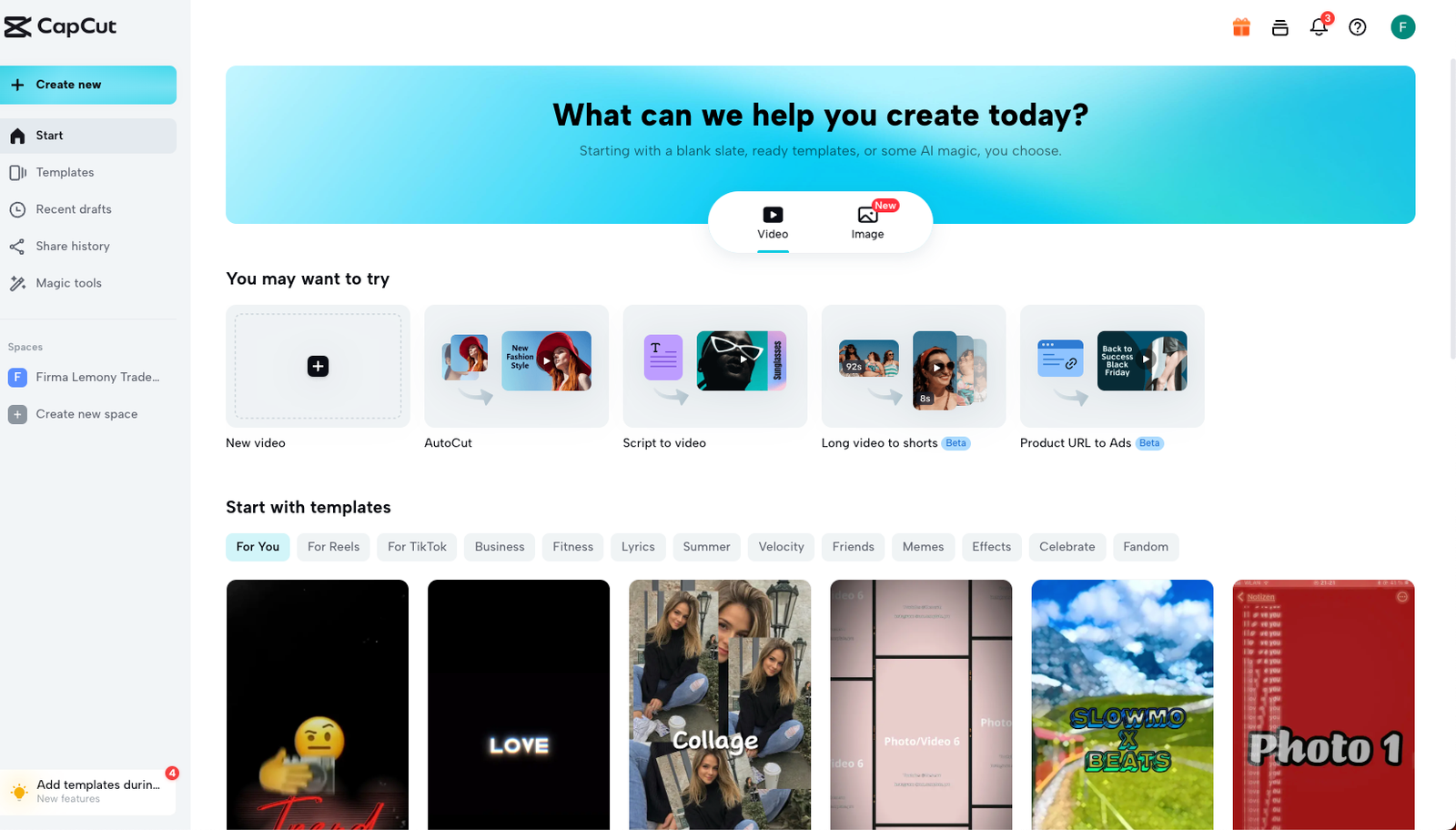
CapCut
Black Friday: CapCut Pro first month for $3.99 or less (PC, monthly plan)
Live now
 -50%
Pictory
Black Friday: 50% off Professional annual, $29.50/month instead of $59
Live now
 -25%
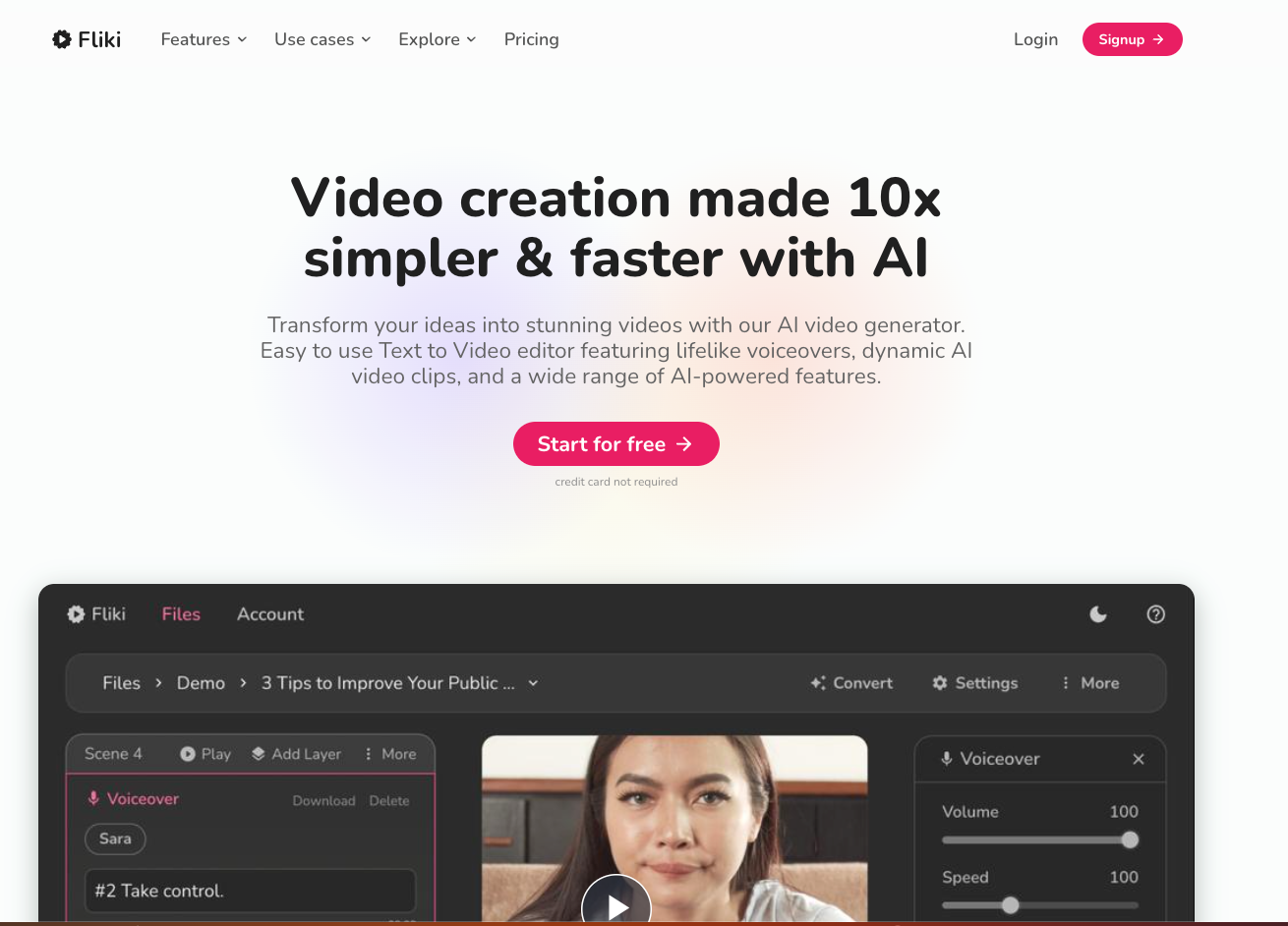
Fliki
25% off with yearly billing instead of monthly
Live now

Runway
Save 20% with annual billing; Standard $12/month
Live now
 -50%
InVideo
Plus at 30 EUR per seat/month billed annually instead of 60 EUR
Live now
AI Video Generators alternatives
Muse.ai
Review Muse.ai is an AI-powered tool specializing in video generation, video editing, and visual storytelling…
-50% InVideo
Plus at 30 EUR per seat/month billed annually instead of 60 EUR
Live now
-50% Pictory
Black Friday: 50% off Professional annual, $29.50/month instead of $59
Live now
Colossyan
AI avatar video for training and corporate comms, with a free Starter plan and Professional at $59 a month bi…
Moonvalley
A video research lab behind Marey, an image- and text-to-video model trained on licensed data and aimed at pr…