 -50%
Canva
Black Friday offer expected; last year 50% off first 3 months for new users
Expected for Black Friday
Explore the best image to video AI tools of 2026, with 63 platforms compared on Noxilo that turn static images into motion. Tools like LeiaPix add depth-driven 3D motion to photos, while Genmo, Moonvalley, and Motionit.ai generate full video clips from a single frame or reference image. Whether you want a cinematic parallax effect or an animated product shot, image to video AI makes it possible in minutes.
These tools use generative models to predict motion, camera movement, and frame interpolation, transforming one picture into smooth, shareable footage. From marketers repurposing product photos to creators building social reels, this guide covers how image-to-video AI works and how to choose the right tool for your needs in 2026.
-50% Black Friday offer expected; last year 50% off first 3 months for new users
Expected for Black Friday
 -10%
Black Friday sale expected; last year 10% off Premium yearly
Expected for Black Friday
 -17%
Creator on annual billing: $24/month ($288/yr) instead of $29/month
Live now
Browser video maker with templates, text, music and voiceover tools; plan prices need checking on its pricing…

Plaiday is an innovative AI tool designed to generate high-quality videos using advanced machine learning alg…
Vidnoz is an advanced AI tool that leverages machine learning algorithms to generate high-quality, customizab…
InShot is a mobile video editor for iOS, Android and Huawei with auto captions, transitions, effects and a mu…
Talking-head video from a single photo and a script, with watermarked trials and minutes that reset monthly.
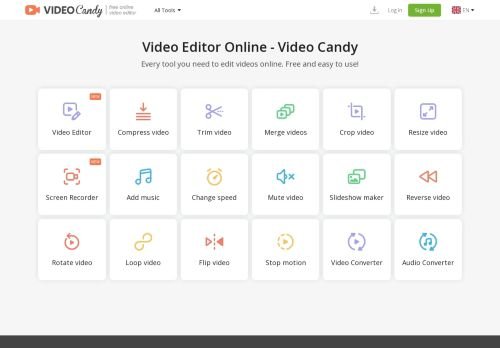
Video Candy is a browser video editor with about 20 listed tools; paid plans start at $3 a month billed yearl…
Synthesys Studio is an advanced AI tool designed for generating high-quality, realistic videos using artifici…
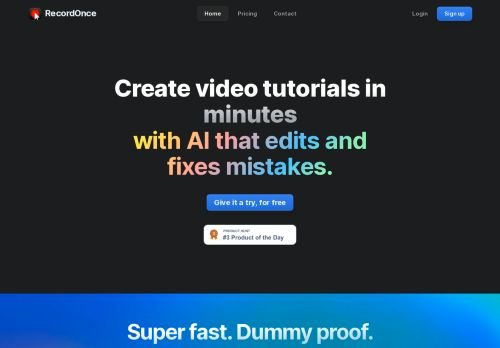
The AI Video Generation tool allows you to create multiple variations of a video from a single recording, enh…
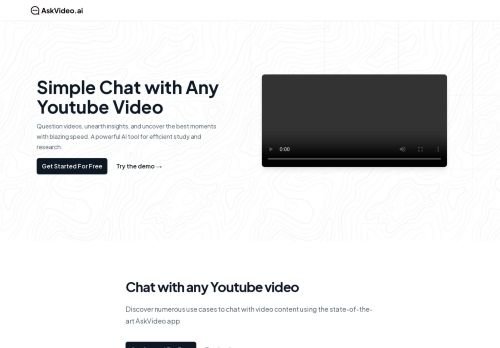
AskVideo AI is a sophisticated tool that utilizes artificial intelligence to generate high-quality, customize…
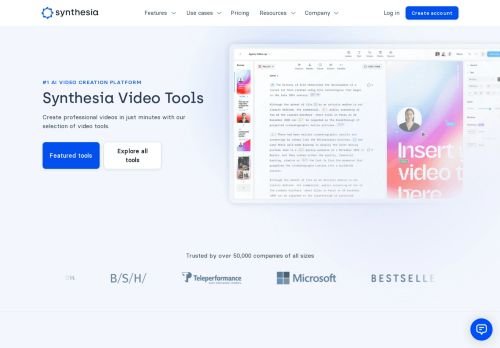
The Deepfake Generator is an advanced AI tool that utilizes machine learning algorithms to create highly real…
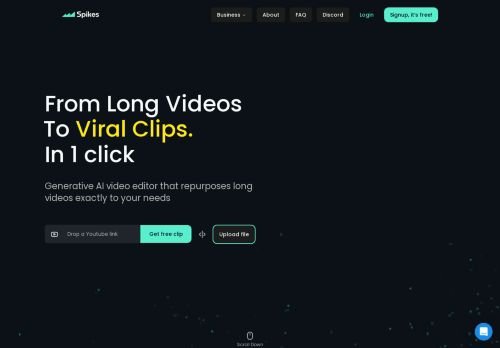
Spikes Studio is an AI tool that leverages advanced algorithms to generate high-quality, customizable video c…
Browser video editor and live-streaming studio from Animatron with a free tier and paid plans from $16 a mont…
Template-based online video maker with no free plan, a 7-day trial and prices from $15/month billed yearly.
Image to video tools animate a still picture by generating new frames around it. Some add subtle motion and depth (the Ken Burns or parallax effect popularized by LeiaPix), while advanced generative tools like Genmo and Moonvalley create entirely new motion, simulating camera pans, object movement, and scene dynamics from a single input image.
Match the tool to your goal. For quick social content, a depth-motion tool delivers eye-catching results with minimal effort. For ads, explainer scenes, or product demos, choose a generative model that supports motion prompts and longer clips. Check the maximum resolution if your footage will appear on large screens, and confirm whether output is watermark-free on your plan.
Most image to video tools use a credit or subscription model, with free tiers offering a handful of short, watermarked clips. Paid plans commonly range from around $10 to $50 per month based on resolution, clip length, and render priority. These tools suit social media creators, e-commerce sellers, marketers, and video editors who want to add motion without filming or complex animation software.
Noxilo lists 63 image to video AI tools in 2026, ranging from depth-motion animators to full generative video models.
Depth motion adds 3D parallax to a still image, while generative video creates entirely new frames with simulated movement and camera motion.
Yes. Image to video tools are designed to animate one input image, though some let you add motion prompts or reference frames for more control.
Most offer a free tier with short, watermarked clips. Paid plans typically range from $10 to $50 per month for higher resolution and longer durations.
Output ranges from standard HD to 4K depending on the tool and plan. Check resolution limits if your video will display on large screens.